![fruitcore_WB_lang_130419_robotics-petrol-01-1.png]](https://www.fruitcore-robotics.com/hs-fs/hubfs/fruitcore_WB_lang_130419_robotics-petrol-01-1.png?height=40&name=fruitcore_WB_lang_130419_robotics-petrol-01-1.png)
Log console
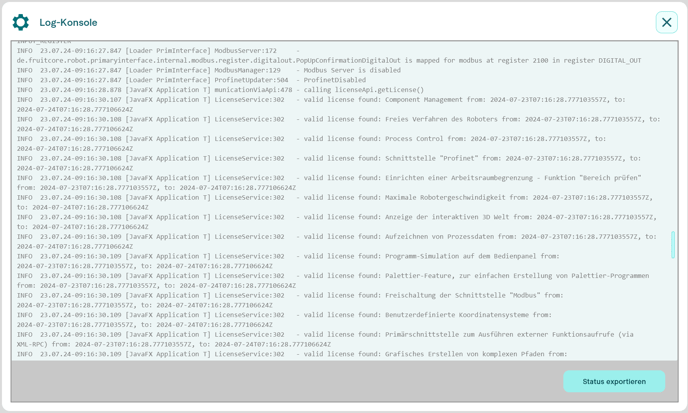
The internally logged program outputs (logs) of horstOS are displayed in the Info Log console. Normally, these are only relevant for service cases.
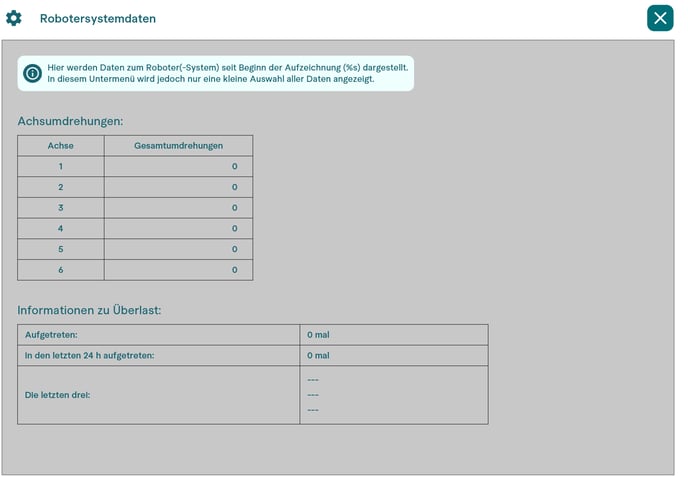
Robot system data
The robot system data displays information on the mileage of the individual axes and on errors that have led to a Category 1 stop.
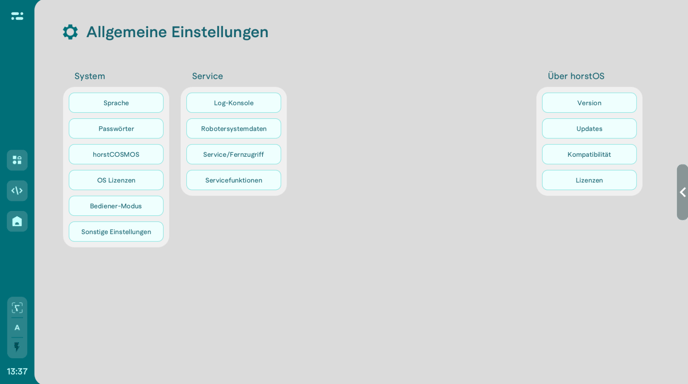
Service/Remote access
Remote access for a fruitcore robotics GmbH service employee can be started in the settings menu (Service settings). An Internet connection is required for this.
WARNING!
Take extra care during remote access! Robot movements may be unexpected for persons not involved in remote access.
- Never leave the control panel unattended during remote access.
- Always follow the instructions of the service personnel.
If you contact the fruitcore robotics service department for live support, it is possible to control the affected robot remotely using TeamViewer in order to resolve the problem.
Connecting
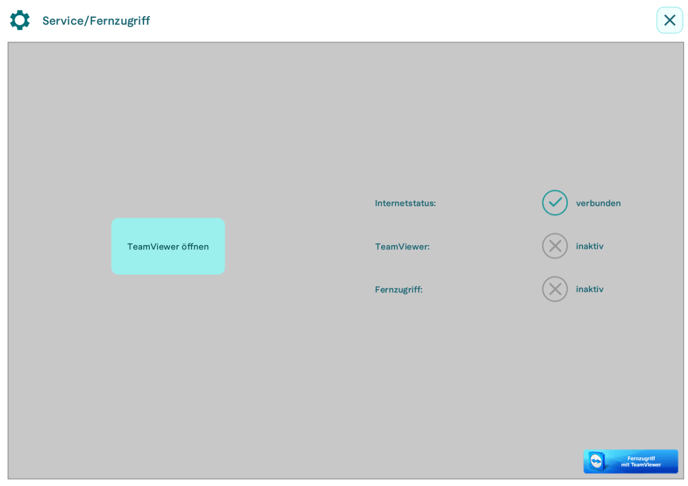
TeamViewer can be started in horstOS via Settings > Service/Remote access. The TeamViewer window opens and the ID and password can be passed on to the service personnel. The password is generated anew for each session. Once the connection has been established, local control is automatically deactivated. A red border with red text “Remote access active” on the panel indicates that remote access is currently activated.
The following security measures are active during remote access:
- Only one side can control the robot, locally or The input of the other is blocked. In an emergency, the emergency stop can always be pressed locally to end remote access and bring the robot to stop category 1.
- Manual mode at high speed (T2) is blocked. Automatic mode is possible if there is no person in the protected area and all safety devices are active.
- No safety configurations and parameters relating to the limitation of the robot movement can be saved.
Service functions
Be sure to observe the warning notice!
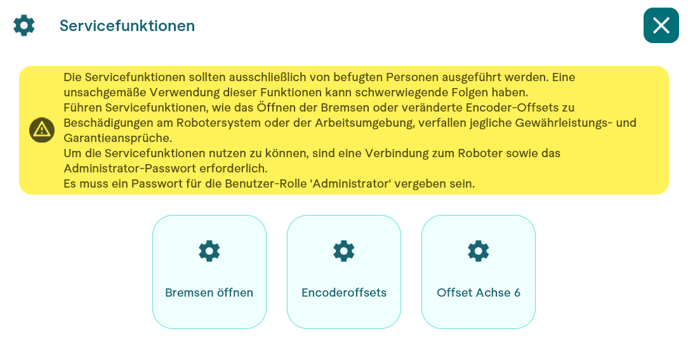
Open Brakes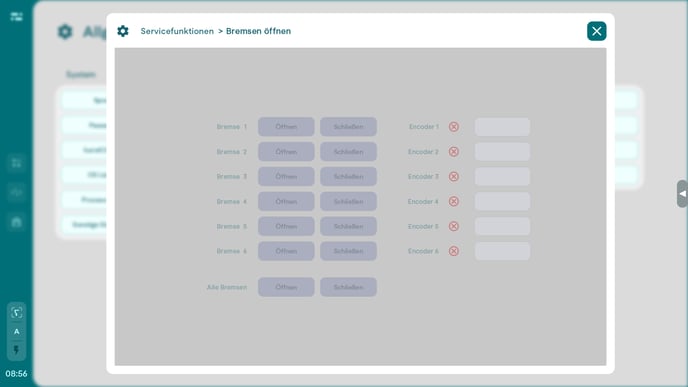
The mechanical brakes of the robot can be released individually under the service function Open brakes. This function is used both to check the robot and to move the robot freely.
Encoderoffsets
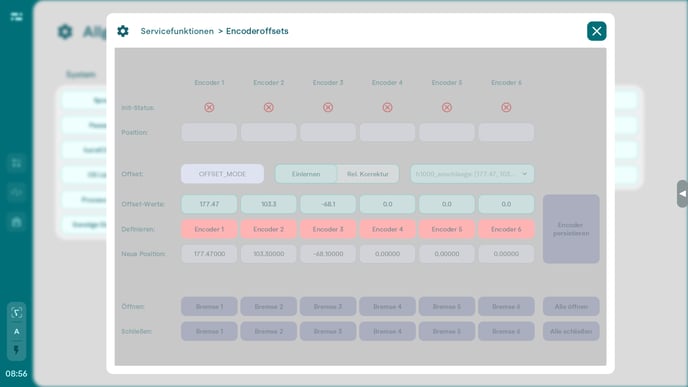
The Encoder offsets menu is used to recalibrate the encoders. Please note that overwritten encoder values cannot be restored.
Axis 6 offset
For technical reasons, it can happen that axis 6 is correctly aligned after initialization, but displays a value outside its valid range. The value deviates by a multiple of 360°. In this case, an offset can be set in Service settings > Service functions.